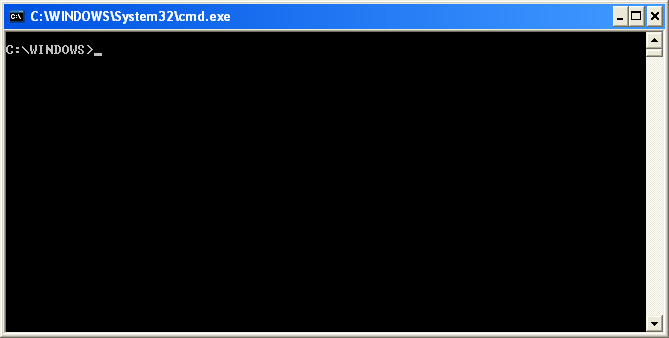
Command Prompt (executable name cmd.exe)
is the Microsoft-supplied command-line interpreter on OS/2, Windows CE and
onWindows
NT-based operating systems (including Windows 2000, XP, Vista, 7, 8, Server 2003, Server 2008, Server 2008 R2 and Server 2012). It is the analog of COMMAND.COM in MS-DOS and Windows 9x systems
(where it is called MS-DOS Prompt), or of the Unix shellsused
on Unix-like systems.

You can execute any command on the prompt. In the
middle of the execution, if any user needs to stop the operation, he can abort the
execution of the command by: Ctrl-C.
If user hasn't actually executed a command, he can
just backspace and erase what he has typed. If user executed it then you can do
a Ctrl-C to stop it.
Warning: Ctrl-C isn’t a magic wand to undo all
the operations. It helps in aborting the command execution and stops the
process.
If you find this site useful, please
support us. Like our FaceBook
Page.
You can also contact us by mail: portaltechinfo@gmail.com

0 comments:
Post a Comment